The goal is to set up an LLM as a local appliance that could be used in the middle of the
jungle powered by solar cells, or maybe in the middle of the arctic during a really cold
winter. Even from an older LLM model like Kimi 2.7, having free tokens for life could be
really useful. Presently we think we always need the newest model, but Kimi 2.7 is still
going to give valid answers for everyday life in the year 2040. The Oracle of Delphi has
been on Mankind’s radar for thousands of years, and in 2026 we could make one.
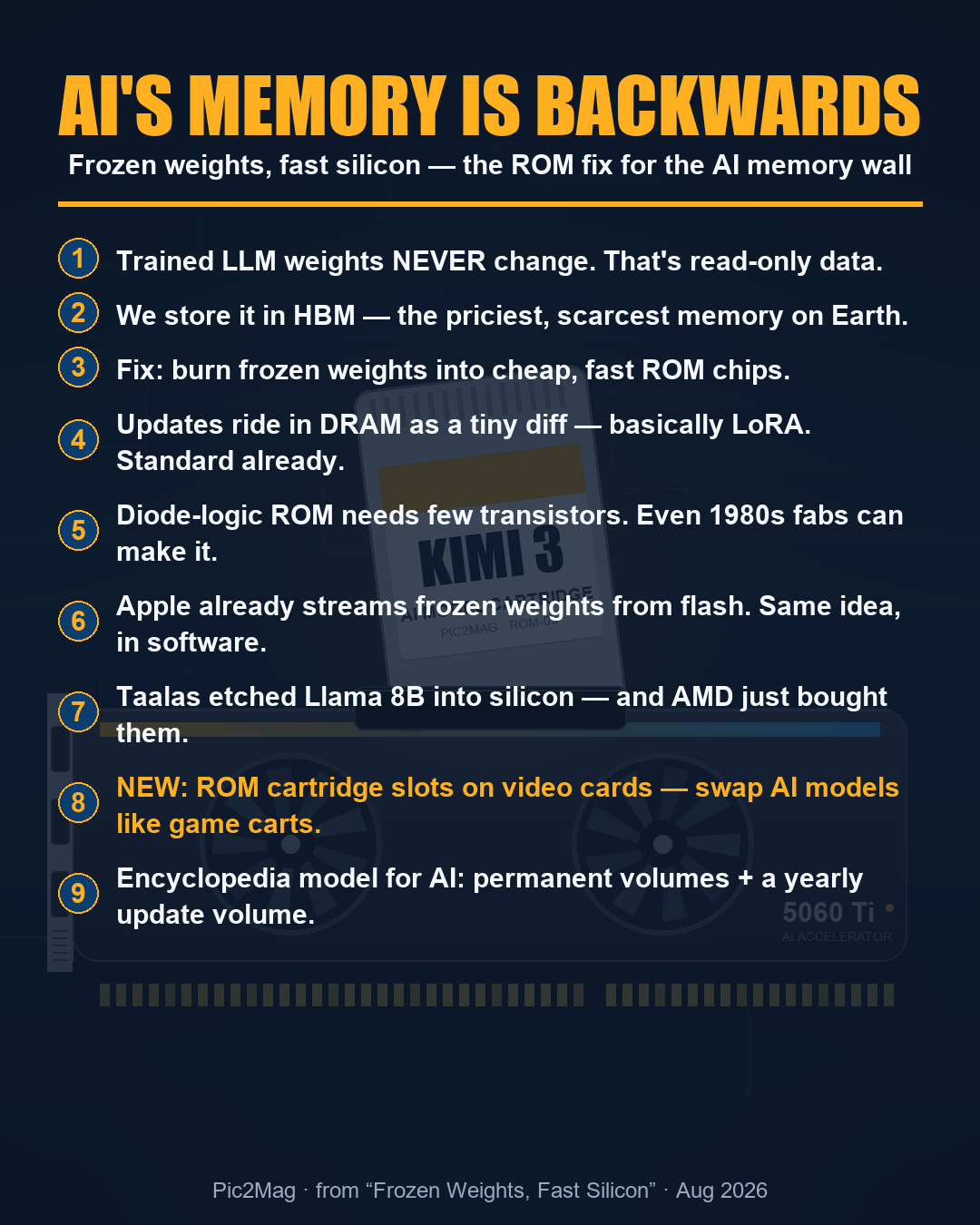
Realizing that LLMs are mostly static weights, rom memory clearly plays a role in decreasing
the cost of a computer that can run Kimi 2.7. The basic building block of ram memory is one
capacitor and one transistor per bit, and the basic building block of rom mask memory is one
transistor per bit. With the capacitor the circuit is a ram bank, and without the capacitor
it is a rom bank. All the other chip specs stay the same and you gain some space (around 14%)
because a rom bank does not need a refresh cycle and other things. Still the same bandwidth,
still the same chip package.
So my first thought is equal numbers of ram banks and rom banks in a single memory chip
which matches LLM models’ requirements pretty well. So you lose half the ram, but you
gain equal rom and the chip total memory capacity increases by around 14 percent. From the
model’s viewpoint it has gained memory because the static values are not changing anyway.
The second thought was rom only chips with the same bandwidth and packaging of modern ram,
in that case you gain around 133 percent memory capacity per die because you do not need
capacitors, refresh circuits, write paths, or rowhammer handling. Plus it runs at a lower
power without the capacitor leakage.
In summary there is no free lunch here, trading ram banks for rom banks makes the specialized
inference memory chip somewhat cheaper to produce, and the die more dense. The real trick here
is producing a computer that exactly matches the requirements of a specific model with the
right ram/rom mix ratio.
Even a 10% reduction in price could make specialized per model inference chips economical
at the appliance level.